
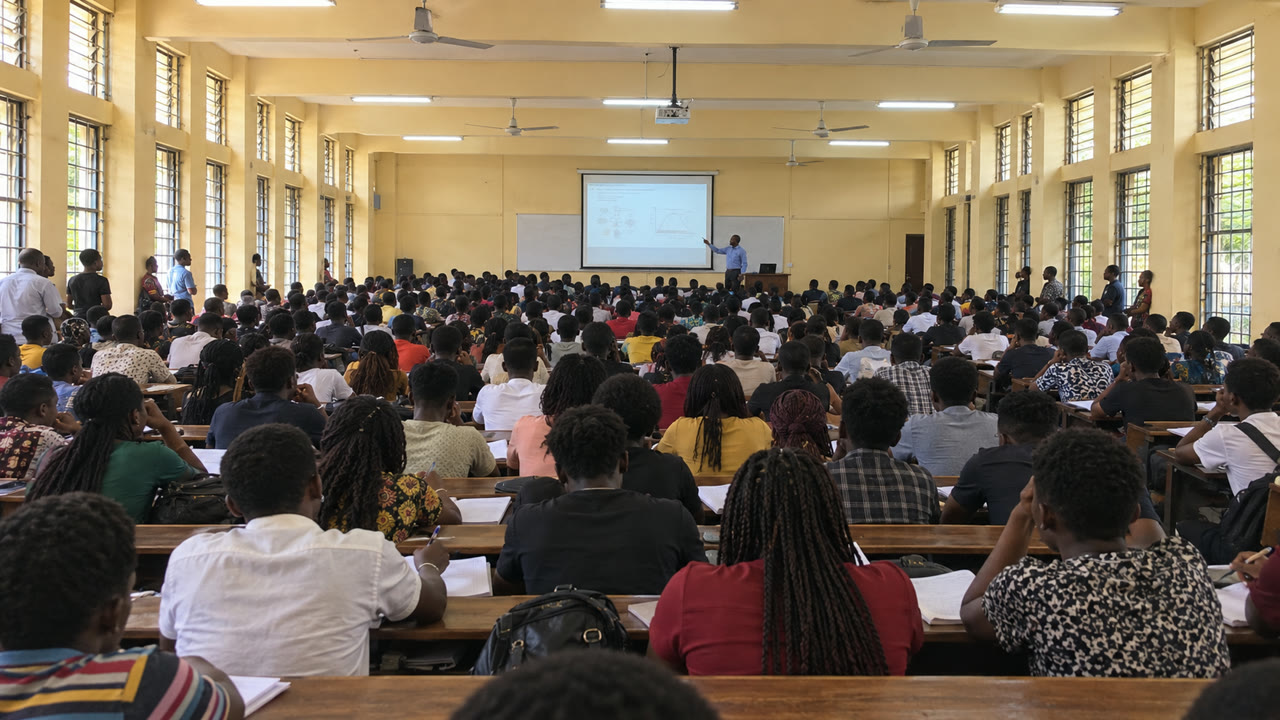
For crowded classrooms in Nigeria and across Africa
A front-row view, from the back row.
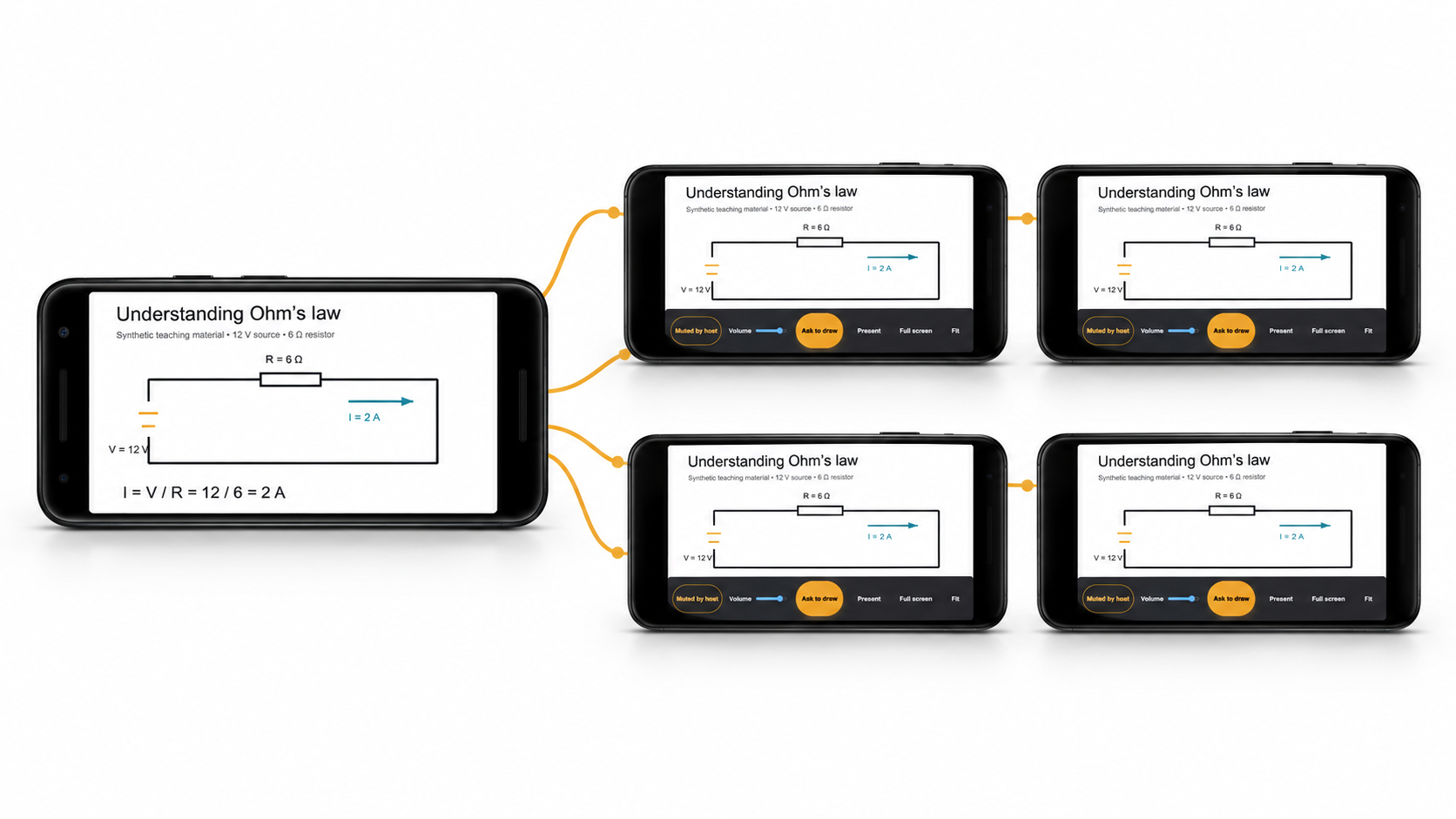
Backbeam sends the lecturer’s screen to every phone in the room. Students read at their own size, zoom into what they need, and can be handed the pen to draw for everyone. No projector. No internet. Nothing to install.
Same Wi-Fi · scan a QR · reading in seconds.
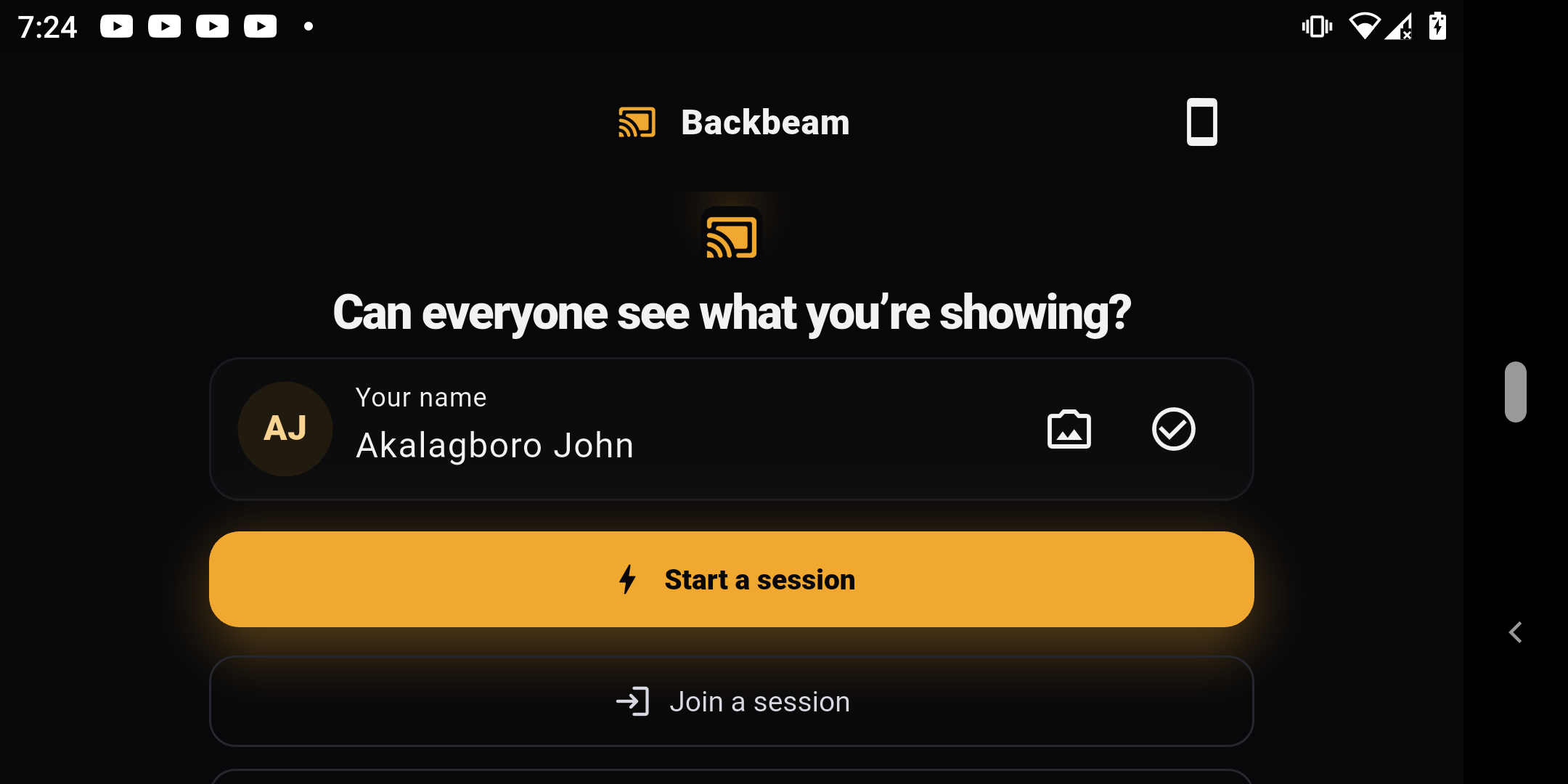
The real app — not a mockup
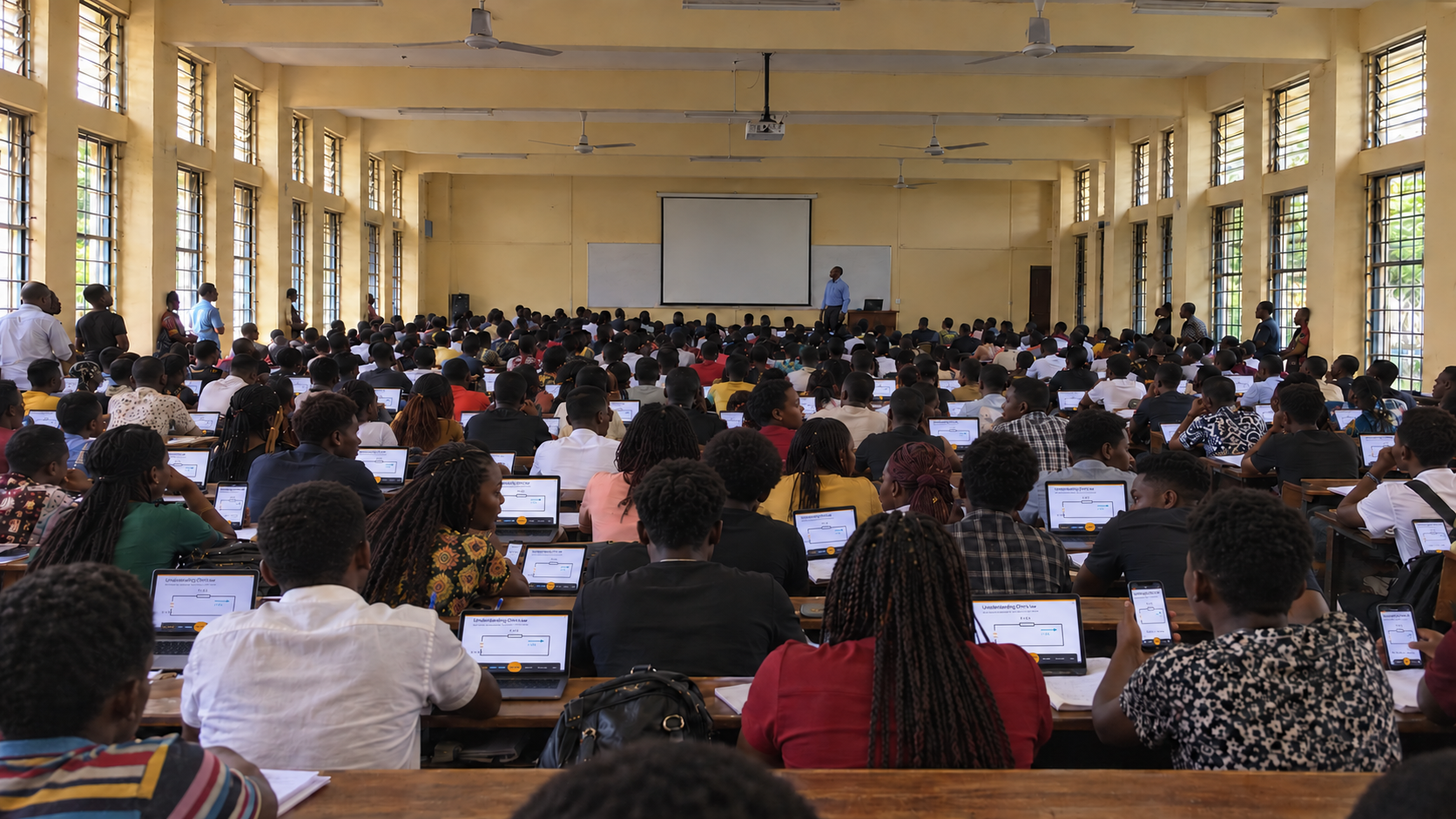
The classroom challenge
Crowded classrooms stretch every resource.
In crowded classrooms across Nigeria and other parts of Africa, a single projector can leave a hall struggling to see, and a power cut can stop the lesson. Many students already bring phones or laptops. BackBeam puts those existing devices to work as personal screens for the same shared lesson.
85M+
Unreliable power
More than 85 million Nigerians lacked electricity access in 2021. Grid connected communities also face unreliable supply.
World Bank · 2023 report
6×
Unequal sightlines
At 6× image height away, anything readable must be at least 3% of the image height. The back row never had a chance.
AVIXA · basic viewing guidance
US$430
Costly equipment
One classroom projector, before a screen, backup power or installation. Reusing student devices avoids buying one for every learner.
Epson E24 · US list price, Sep 2026
One lesson, start to finish
Set up once. Teach the whole room.
- 1
Start on the lecturer's laptop
Choose a screen, document or whiteboard. BackBeam creates a QR code and room code for students to join locally.
- 2
Students open the lesson on their own devices
One QR scan opens the shared lesson in a browser. Students zoom and read at their own pace. No internet, student app or account is needed. Everyone still needs the same working local Wi-Fi network.
- 3
Let students take part
Approve a student's request to annotate or present. Their contribution reaches the room, and the lecturer can take back control at any time.
For students
Your own readable copy.
- →The lesson, 35 cm from your face. Readable from the back row.
- →Pinch to zoom and scroll at your own pace, without moving anyone else.
- →Ask for the pen to point at what you don’t follow.
- →Nothing to install, no account, no sign-in.
For the lecturer
Control stays with you.
- →Switch between your screen, documents and whiteboard in under a second.
- →Grant the pen to one student at a time; take it back instantly.
- →Hand the screen to a student to present their work, with a timer.
- →Requests stay on your device. The wall stays clean.
Designed for real classroom conditions
Keep the local link alive.
You need
- ✓Charged presenter and student devices. Use what students already bring.
- ✓A working local Wi-Fi network shared by the host and every student.
- ✓During an outage, the router or access point must remain powered too.
You don’t need
- ✕A projector, internet service, accounts or student app installs.
Internet access can be off. The local Wi-Fi connection cannot. For a large lecture, use an access point sized for the room. A phone hotspot works best for a smaller group.
From Akure to the region
Start in Nigeria. Design for classrooms across Africa.
Two training centres in Akure are piloting BackBeam. Pilot evaluation will track setup, device compatibility, local network reliability and student participation. The results will guide wider use across Nigerian institutions and classrooms with similar constraints in other African communities.
BackBeam can support training centres, universities, conferences and workshops. Each site needs a local network sized for the room, with backup power if it plans to teach through outages.
Free forever for one teacher. A whole school pays one flat annual fee, with no per-seat negotiation. See pricing.
Put the devices already in the room to work.
Start a local session, share a QR code and give every student a personal view of the lesson. Keep the devices and Wi-Fi powered when the grid is not.